
What to Check Before Buying a Laptop Cooling Pad
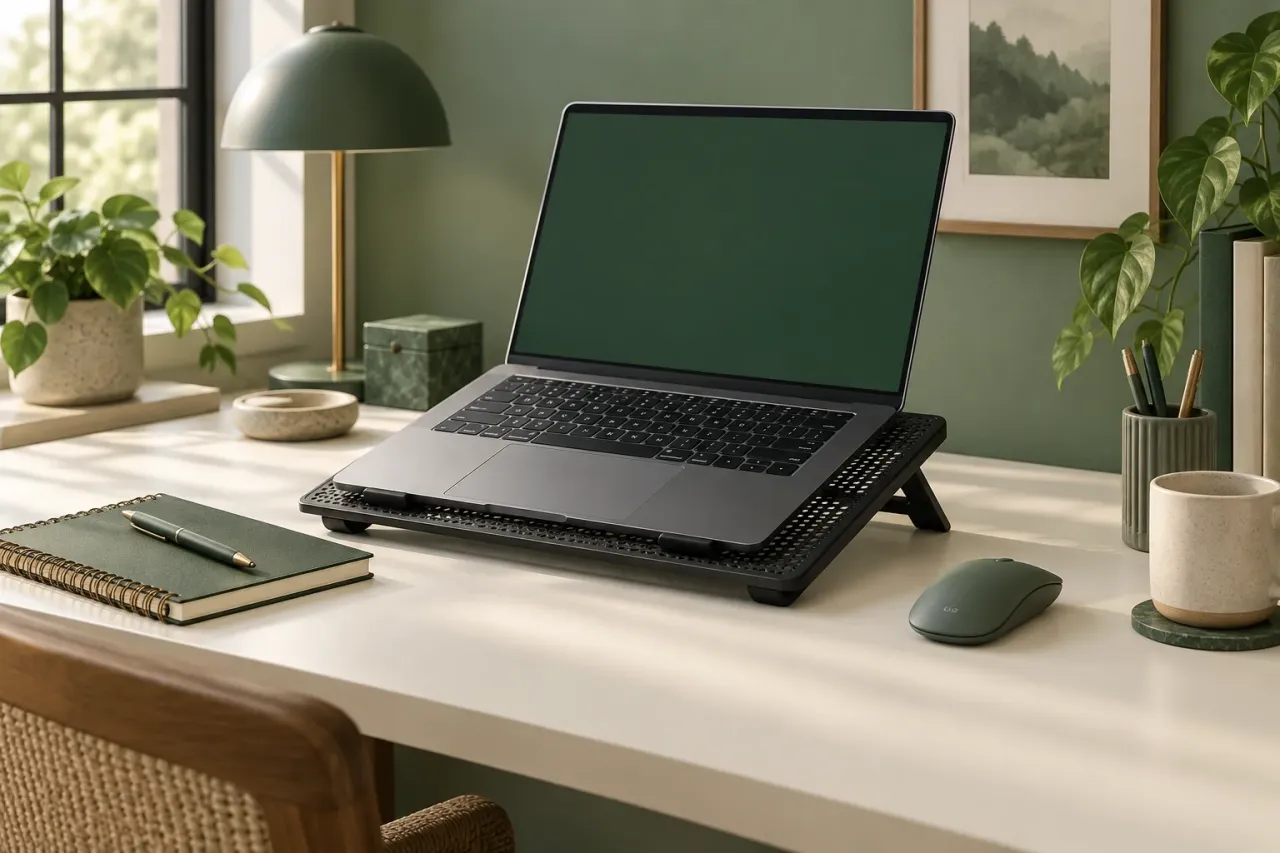
Research-based buying advice. Product sources checked 2026-09-26. This is not a hands-on review. Recommendations are our interpretation of the documented features and the use cases discussed below.
Measure the laptop, not just its screen
A screen-size range is a starting point for shopping. Measure the base of the laptop and compare it with the usable platform, support lip and cable positions. A stand that technically fits the diagonal can still be awkward if the chassis overhangs or a front edge presses against your wrists.
Look underneath before buying
Check where your laptop draws and exhausts air, using its manufacturer documentation. Compare those openings with the pad layout. Do not assume that several visible fans necessarily direct air where your particular laptop needs it; this article has not measured the effect on any laptop model.
Think through the USB connection
A cooling pad adds a power connection and another cable to your desk. Identify an available compatible port and consider where the cable will run when the stand is tilted. An extra port on the pad should not be assumed to match a dedicated high-speed hub without a specification saying so.
Treat quiet as something to verify
The LIANGSTAR listing describes six fans and adjustable controls, but we have not measured sound pressure or temperature changes. A shopper using video calls in a quiet room may care more about the sound at the chosen setting than the maximum fan count. Check return terms so you can assess the fit and sound in your actual setup.
Make the buying decision concrete
Write down your laptop dimensions, preferred typing angle, available USB connection and desk depth. Use those as pass-or-fail checks when comparing a listing. If the pad does not meet the physical setup requirements, an attractive lighting effect is unlikely to solve the underlying mismatch.
About the cover
The cover is an AI-generated editorial illustration of the topic, not a photograph of the named products or a record of hands-on testing.