
AI Motion Detection in Home Cameras: What Person Alerts Can—and Can’t—Tell You
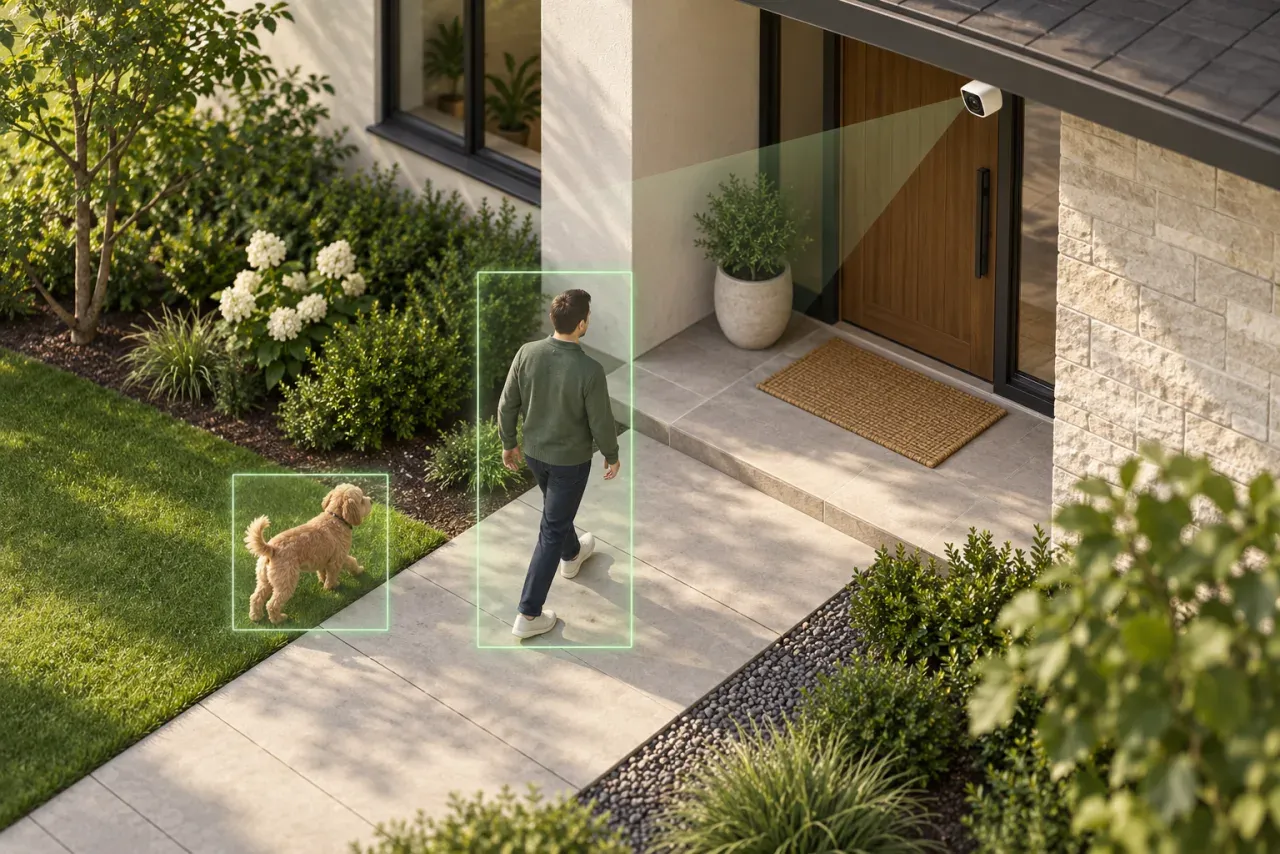
Research-based buying advice. Product sources checked 2026-10-04. This is not a hands-on review. Recommendations are our interpretation of the documented features and the use cases discussed below.
An alert is a prompt to review
A person alert is not evidence that an intruder has arrived, and a missing alert does not prove nothing happened. Open the recording and inspect the scene before drawing a conclusion. Avoid building a security plan around an assumed level of detection accuracy when you have not tested the actual position.
Ask what the camera classifies
Motion, person, vehicle and pet labels describe different features. Do not infer one from another or assume that every hardware revision has the same options. Check the exact model documentation and the settings exposed in the app. Person classification is also different from identifying a named individual.
Choose a useful view first
A camera aimed mostly at a busy road gives you a different problem from one aimed at a short entrance path. Before adjusting sensitivity, review the frame itself. Check whether the relevant subject is large enough, whether objects block the route and whether nighttime lighting changes the scene.
Test ordinary events deliberately
Walk the relevant approach in daylight and darkness with another household member reviewing notifications. Include normal activity such as a delivery or opening a garage. Note when the clip starts, whether you can see the important detail and how quickly you can find it later. Repeat after changing the angle or settings. This is a practical check, not a laboratory accuracy measurement.
Separate notifications from recording
A phone notification and a saved recording are two different outcomes to verify. Check what is stored when alerts are muted, what happens when storage fills and how you find an event afterwards. Review these settings after an app or firmware update instead of assuming the old setup remains unchanged.
Agree who is responsible
Decide who receives alerts, who can view recordings and who checks that equipment is still working. Remove access that is no longer needed. Keep the camera’s view focused on the intended purpose and avoid unnecessary audio capture. A manageable setup that someone maintains is more useful than a long list of smart features nobody checks.
Sources and further reading
- TP-Link Tapo C210 — manufacturer specifications
- TP-Link Tapo C500 — manufacturer specifications
- TP-Link Tapo C410 KIT — manufacturer specifications
- Reolink RLK8-800B4 — 4-Camera PoE System — manufacturer specifications